
During my time at Dixon Schwabl our developers did more than just marketing websites. Sometimes we would be asked to help come up with solutions for clients to help them with their own sales efforts or training. Here are a few projects I got to be a part of.
Lenel
Lenel was a security company based out of Rochester, NY and they asked us to help them put together a presentation tool that they could hand out at trade shows and use as a leave-behind for sales calls.
We created an application that can be run from a CD, using Adobe Air. The presentation allowed you to navigate from four different sections that highlighted their offerings and testimonials.
On this project, I programmed the interface and used Flash to create the Adobe Air app. I worked with our IT team to test an autorun script that made it so when the CD was inserted into a PC drive it would automatically run our Air application.
I also created the startup screen animation based on a storyboard created by our designers.
SentrySafe
I don’t recall the specifics around this project but what I do remember is that SentrySafe needed an application for their trade show booth. They provided us with some presentation slides and data sheets for their products.
The people visiting the booth could view the presentations and either print or have the data sheets that they selected emailed to them directly. We used this tool to gather the emails and the actual emailing process took place by the sales team after the trade show was complete.

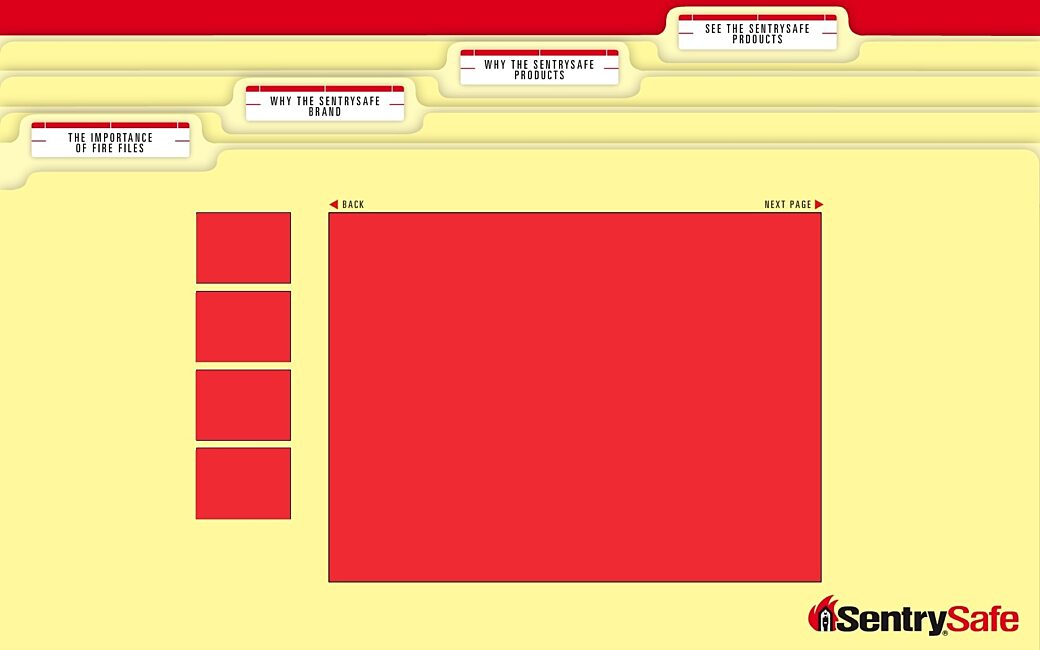
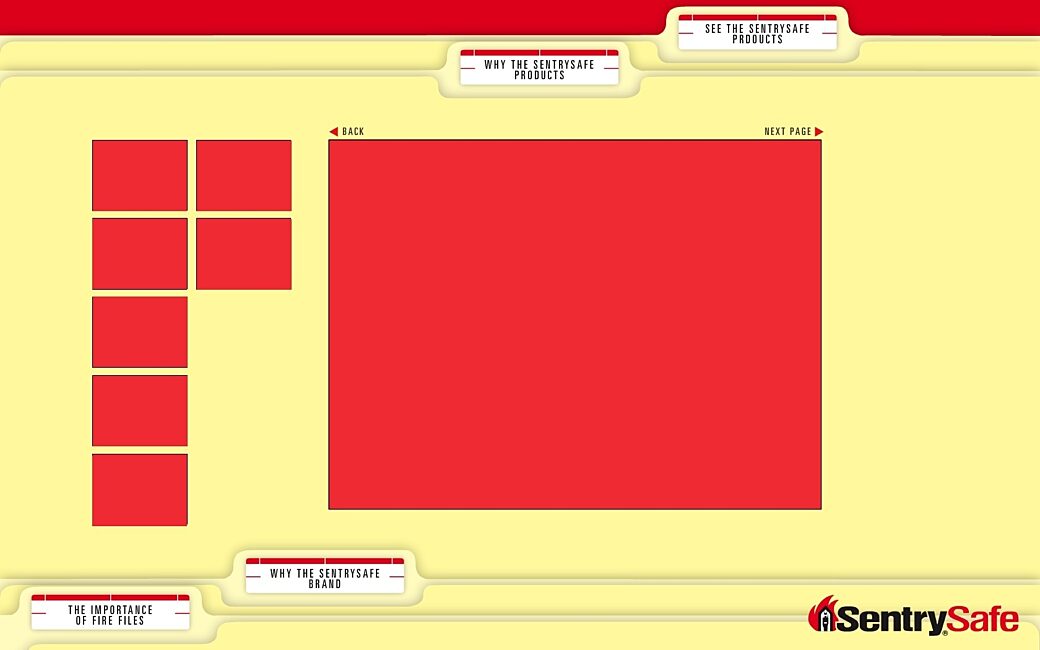
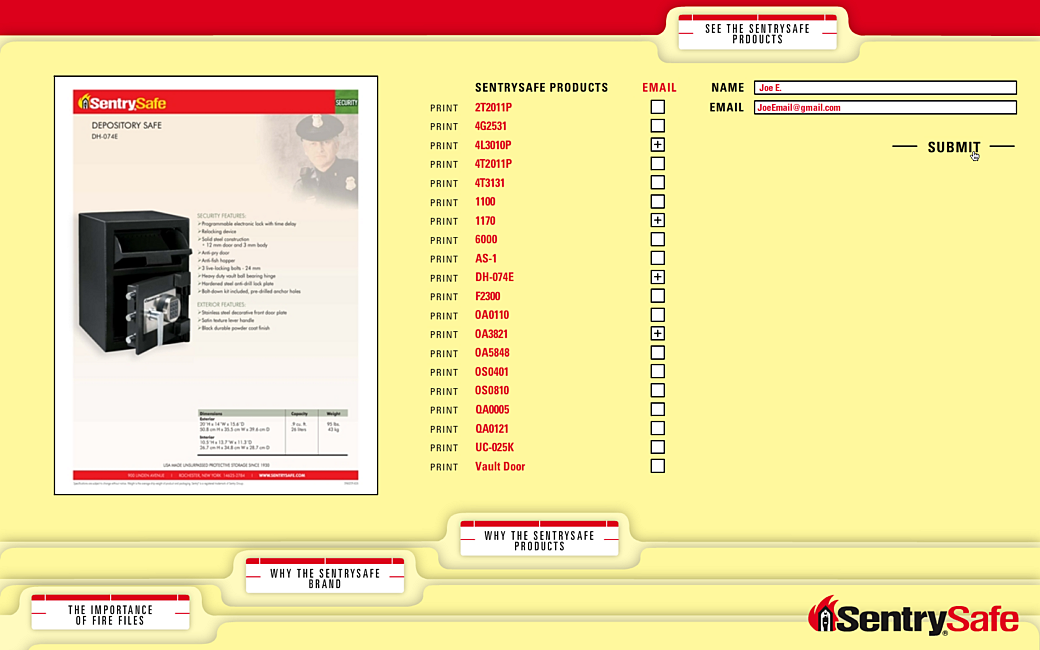
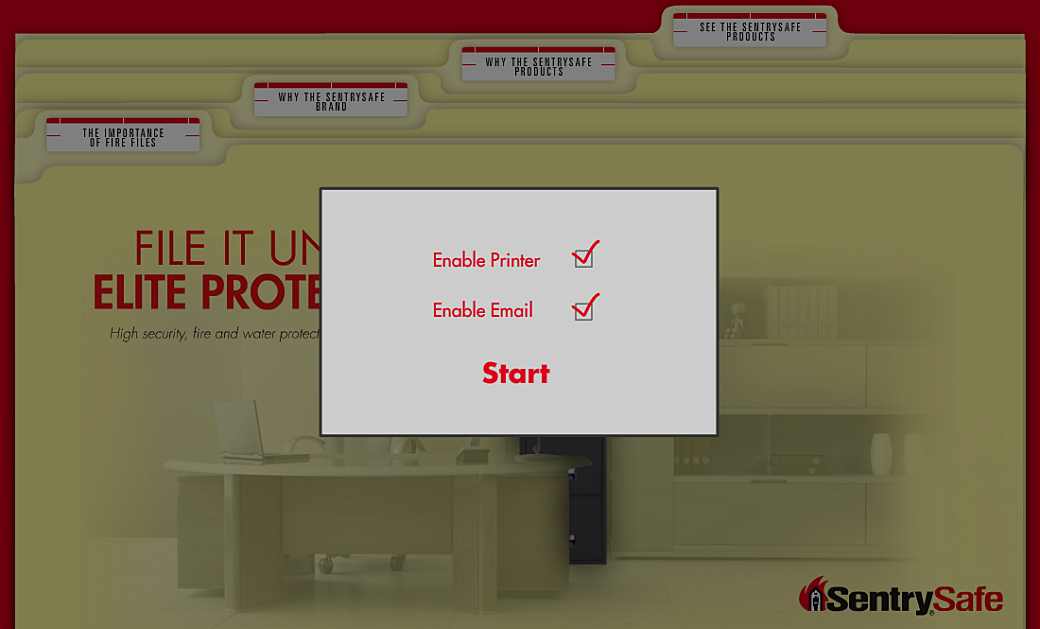
I remember putting together this project using Adobe Air. I believe when we collected the names and emails we wrote them to a SQLite file or a CSV so they could be used by the sales team from the PC running the application.
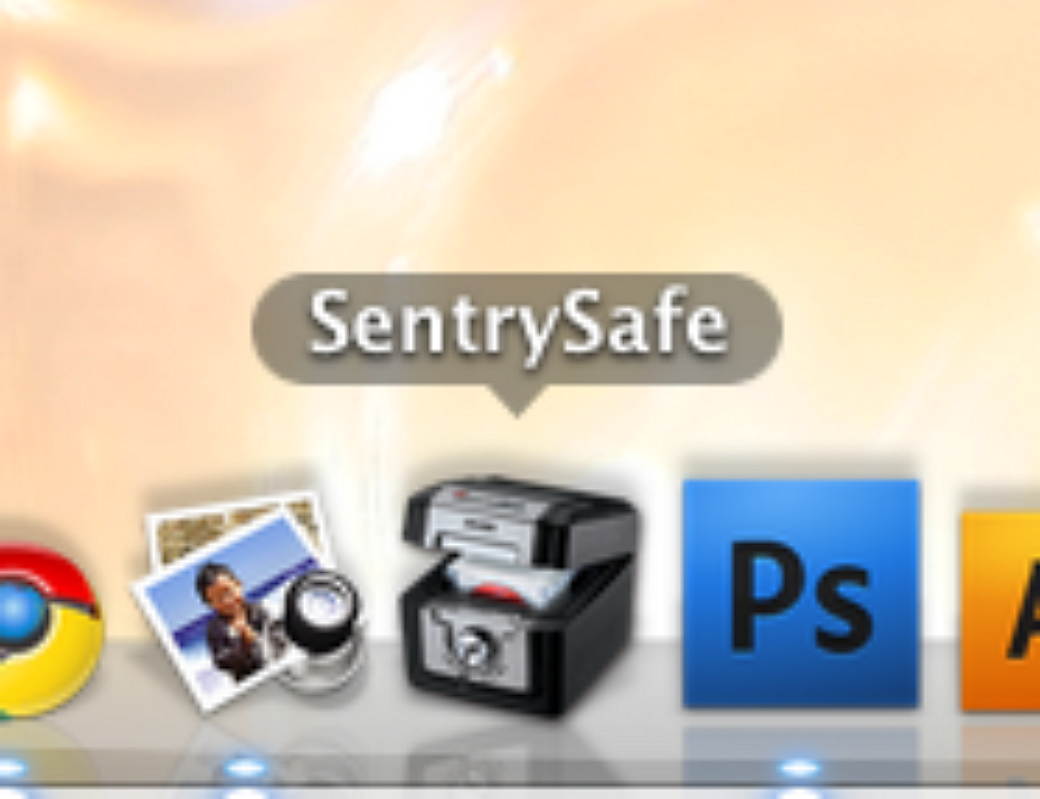
For fun, we took an image of one of their products and turned it into the app icon.
Hazlitt
The Hazlitt winery asked us to put together a presentation management tool they could take with them for in-person meetings. The problem they needed to solve was that they wanted the ability to play video clips during a presentation, but they needed the ability to remove videos to shorten the length of the presentation or to cut out unrelated videos based on the topic of the presentation.
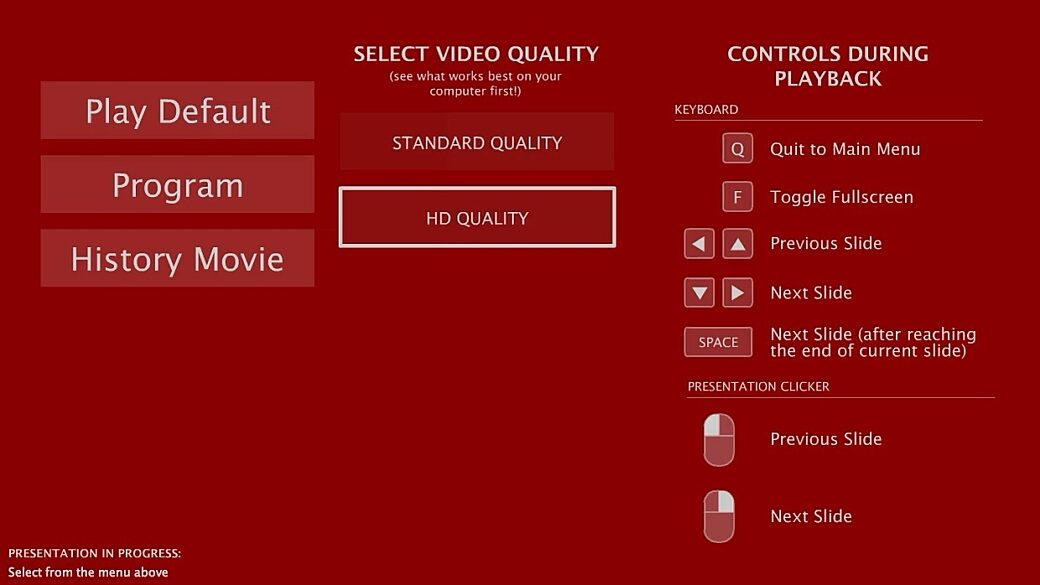
Our studio team cut videos down into smaller clips and we put together an Adobe Air app that was shared with the client. The app started off in our menu that let the client either play 2 different default versions of the full presentation or "program" their own presentation.
The app showed all of the video clips in order. The client could decide to choose which videos they wanted to skip, and when they did that, they could see what the total length of the presentation would be.
When they were done, the client could play their presentation and each of the selected video clips would play in sequence.
Because there were times when the client wanted to repeat some of their choices, we added the ability to save out their selections to a file that could later be loaded and played from the app.
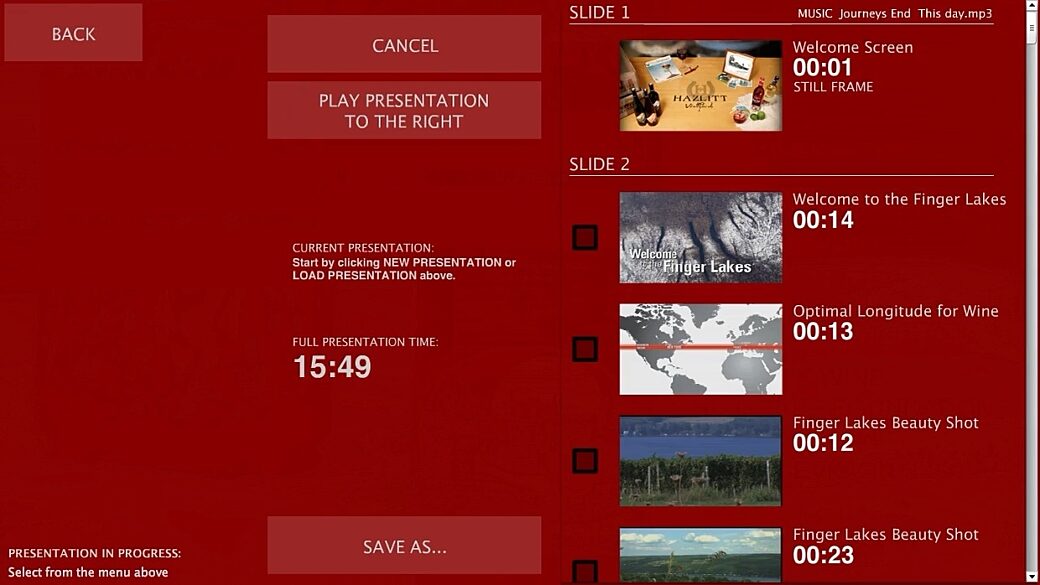
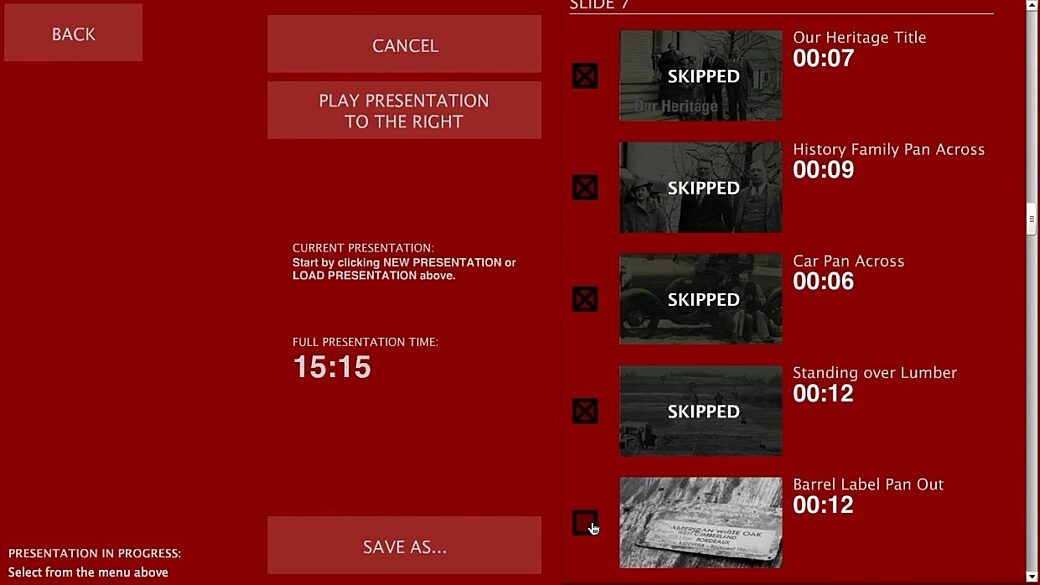
I developed this application and designed the UI for it. Usually I would have worked with a web designer or art director, but to keep costs down I remember doing quick sketches and then putting this together from there.
S.T.E.V.E. and Other In-House Tools
At one point I put together a traffic and job management application for internal use at the agency. I don’t have screenshots or videos to share, but I think it is worth mentioning.
While we had software to estimate and bill jobs, at one point we found ourselves looking to digitize our job trafficking process. With input from our account executive team and our creative management I put together an internally-hosted system that managed the jobs going through the Creative Team. This included every email, banner ad, billboard, studio production, etc...
Our co-op, Zach, named it STEVE—a name that confused everyone so much we later on tried to make up a back story, like that it was named after Steve Jobs, or maybe that S.T.E.V.E. was some sort of abbreviation.
STEVE was written in Drupal and each person who needed it were given a login and a user role based on their role in the agency. Account executives and creative management could create new jobs and assign team members and art directors and copywriters only needed the ability to log in and update statuses and sign off on approvals.
Eventually STEVE was replaced by a much more mature software platform, but for a few years, every job that went through the agency went through STEVE.
Other Internal Job Tools
In addition to STEVE, I also put together the following:
- A time tracking app used by HR and finance to submit hours weekly for payroll.
- A banner ad preview app that showed all Flash or HTML-based banner ads at once for easier proofing and approvals.
- A virtual recording light that was installed on all of the computers on the same floor as our audio and video recording studios. Anybody on the floor could turn on the recording light and anybody running the app would see a notification on their computer screen.
Fin
We were given a lot of freedom to chime in and volunteer solutions for problems and I took this opportunity whenever I could find ways to use technology to better the company.
In many cases doing an internal application gave me a better understanding on how better to serve our clients. It also helped me wrap my head around things like rolling out releases, managing user roles, and all the technical headaches that come with account management.